
A Ransomware Recovery Example That Limits Downtime
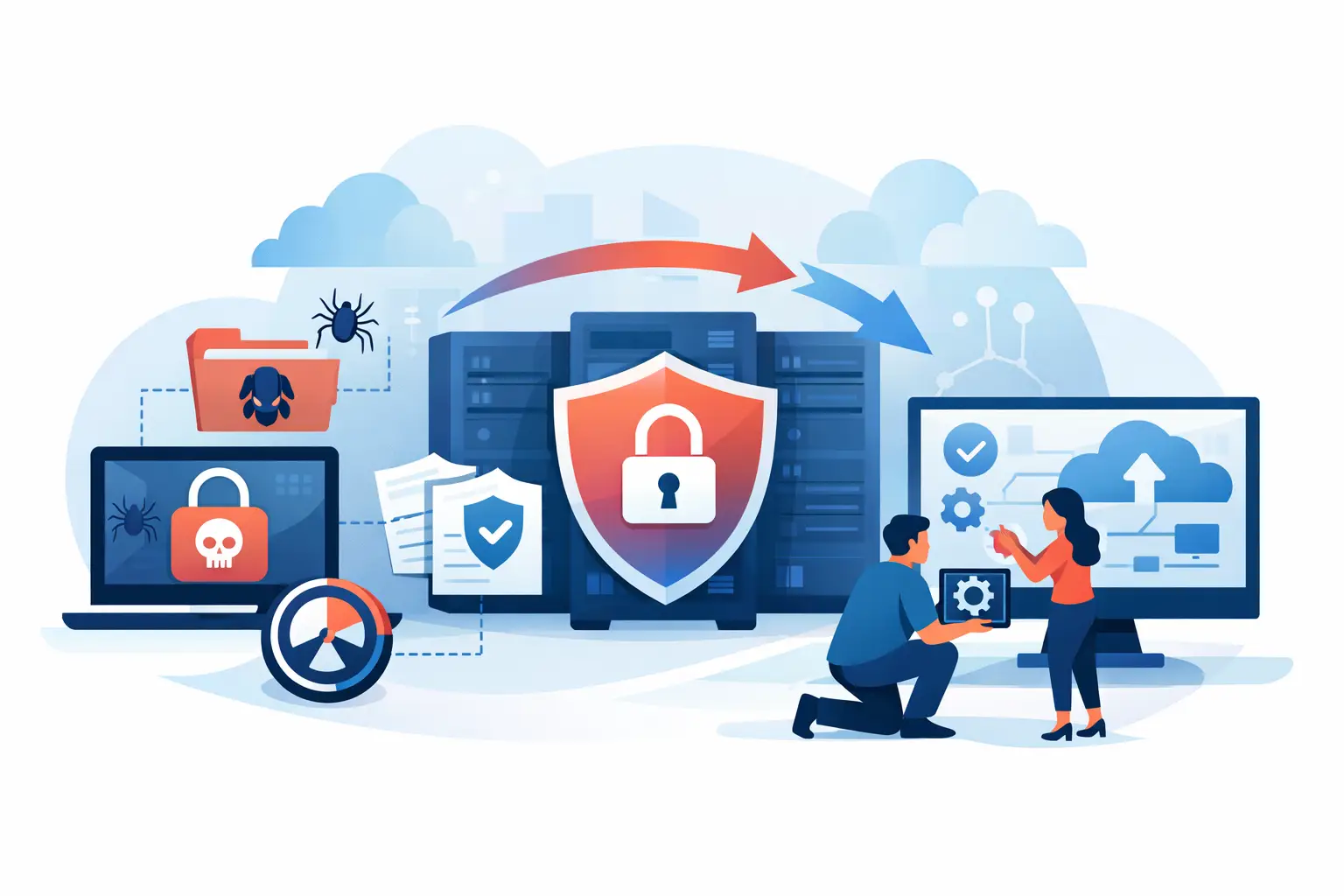
At 8:12 on a Monday morning, an office manager opens the shared customer folder and sees a ransom note instead of the files her team needs. In this ransomware recovery example, the business does not try to negotiate, restart every computer, or hope the problem disappears. It acts quickly, protects what is still safe, and starts restoring operations in a controlled order.
That difference matters. Ransomware can turn a normal workday into a standstill, but a clear response can limit the damage. Whether you run a small Greensboro office, work remotely, or keep family photos and financial records on a home computer, the first few hours after an attack can shape the outcome.
A ransomware recovery example: What happened
Picture a 14-person accounting firm. Employees use cloud email, a shared file server, laptops, and bookkeeping software. One employee receives an email that appears to be a document from a regular vendor. The employee opens the attachment, enters a password on a fake sign-in page, and the attacker uses those credentials to access the network.
Over the weekend, the attacker moves through shared folders, disables accessible backups, and encrypts files on the server. On Monday, staff cannot open client records, tax documents, or several shared spreadsheets. A message demands payment in cryptocurrency for a decryption key.
The firm has a managed backup system, but its owner is not sure whether it worked. That uncertainty is common. A backup is only useful when it is separate from the infected systems, recent enough to matter, and actually restorable.
The first response: Stop the spread
The office manager calls for help rather than clicking any links in the ransom note. The support team immediately disconnects the affected server and computers from the network. They do not turn every device off without a plan, because powered-on systems may contain useful information for understanding what happened. Instead, they isolate affected equipment so the encryption cannot continue to other devices.
They also disconnect network-attached storage and review cloud accounts. Passwords for email, administrator accounts, remote access tools, and backup platforms are reset from a known clean device. Multifactor authentication is enabled or rechecked, especially for email and remote access.
This stage is about containment, not repair. Trying to open files repeatedly, plugging infected devices into a home network, or restoring backups before the threat is removed can make a difficult situation worse.
How recovery moved from panic to a working office
Once the environment is isolated, the technical team documents the affected systems and checks the backup records. They find that the firm has daily encrypted backups stored offsite and that the most recent clean backup completed late Friday evening. The attackers encrypted the live server, but they could not reach the offsite backup copies.
That gives the business a workable recovery point. It may lose a small amount of work completed after the Friday backup, but it does not have to rebuild years of client information from scratch.
The recovery team does not simply copy the backup back to the original server. First, they examine logs, identify the likely entry point, and make sure compromised accounts are secured. Then they wipe and rebuild the affected server from a clean operating system. This helps remove hidden tools or malicious settings that could survive a basic file restore.
After the rebuilt server receives security updates and endpoint protection, the team restores the backup data. They test a sample of documents, confirm that the bookkeeping application can access its database, and verify that staff can reach necessary shared folders. Only then do they reconnect workstations in stages.
The office is not completely back to normal by lunchtime. Some less-critical archive folders take longer to restore, and employees need to recreate a few files from the weekend. But the firm can access current client work by the next business day. That is a very different outcome from paying a ransom with no guarantee of getting usable data back.
Why paying the ransom is not a recovery plan
Paying may seem like the fastest way to get back to work, especially when payroll, customer service, or deadlines are on the line. Unfortunately, payment does not guarantee a working decryption tool, complete file recovery, or that stolen information will be deleted. Attackers may also target an organization again if they believe it will pay.
There are cases where business leaders, insurers, legal counsel, and law enforcement all weigh difficult options. Every incident has its own facts. Still, the best position is one where you have clean backups, a tested recovery process, and trained support so payment is not your only apparent choice.
The recovery choices that made the difference
This ransomware recovery example worked because the accounting firm had several layers of protection. No single tool solved the problem. The result came from backup planning, quick isolation, account security, and a careful rebuild.
The firm kept backup copies away from its main network. A backup drive that stays connected to the same infected computer can be encrypted right along with everything else. Offsite or cloud-based backups with protected access provide a much better chance of recovery.
It also had backups running frequently enough for its work. A family computer might be fine with daily backups. A business processing orders all day may need more frequent copies, depending on how much lost work it can reasonably tolerate. There is always a trade-off between cost, complexity, and how quickly data needs to be restored.
Finally, the firm tested its backup. Many organizations receive a successful backup notification and assume they are covered. A better question is: can you restore a file, a system, or an entire server when you need it? Testing exposes missing data, slow restore times, and access problems before an emergency does.
What homeowners and small businesses should do after an attack
If you suspect ransomware, disconnect the affected computer from Wi-Fi or unplug its network cable. Do not connect external drives, USB devices, or other computers to it. Take a photo of any ransom message, note what files or systems are affected, and contact a qualified IT professional.
For a business, tell employees not to log in to shared systems or email until the issue is assessed. Preserve information about suspicious emails, recent pop-ups, and unusual login alerts. Depending on the situation, you may also need to notify your cyber insurance provider, legal counsel, customers, or appropriate authorities.
Avoid rushing into a restore before you know where the attack started. If an attacker still has access through an email account or remote login, restored systems may be compromised again. The goal is not just to get files back. It is to return to a safer working environment.
Build a recovery plan before you need one
A practical ransomware recovery plan does not need to be complicated, but it must be specific. Decide who can authorize emergency IT work, where backup credentials are stored, how to reach staff if email is unavailable, and which systems must be restored first. For many businesses, that list includes email, internet access, phones, customer records, and line-of-business software.
Use multifactor authentication on email, remote access, financial accounts, and administrator logins. Keep operating systems, browsers, and security software updated. Limit administrator access to the people who truly need it, and remove access promptly when employees leave.
Employee awareness matters, too. People do not need to become cybersecurity experts. They do need to know how to pause when an unexpected attachment, login request, invoice, or password reset message feels off. A short phone call to verify a request can prevent a much larger problem.
For local organizations that need help putting these protections in place, NerdsToGo Greensboro can assess backup coverage, improve account security, and help build a plan that fits the way your team actually works.
Ransomware is designed to create pressure and confusion. The most useful response is calm, methodical, and focused on clean recovery. Make sure your backups are protected, your accounts are secured, and you know who to call before a ransom note becomes the first thing your team sees on a Monday morning.
Need IT help in Greensboro?
Talk to your local NerdsToGo team.