
Antivirus Endpoint Comparison for Small Business
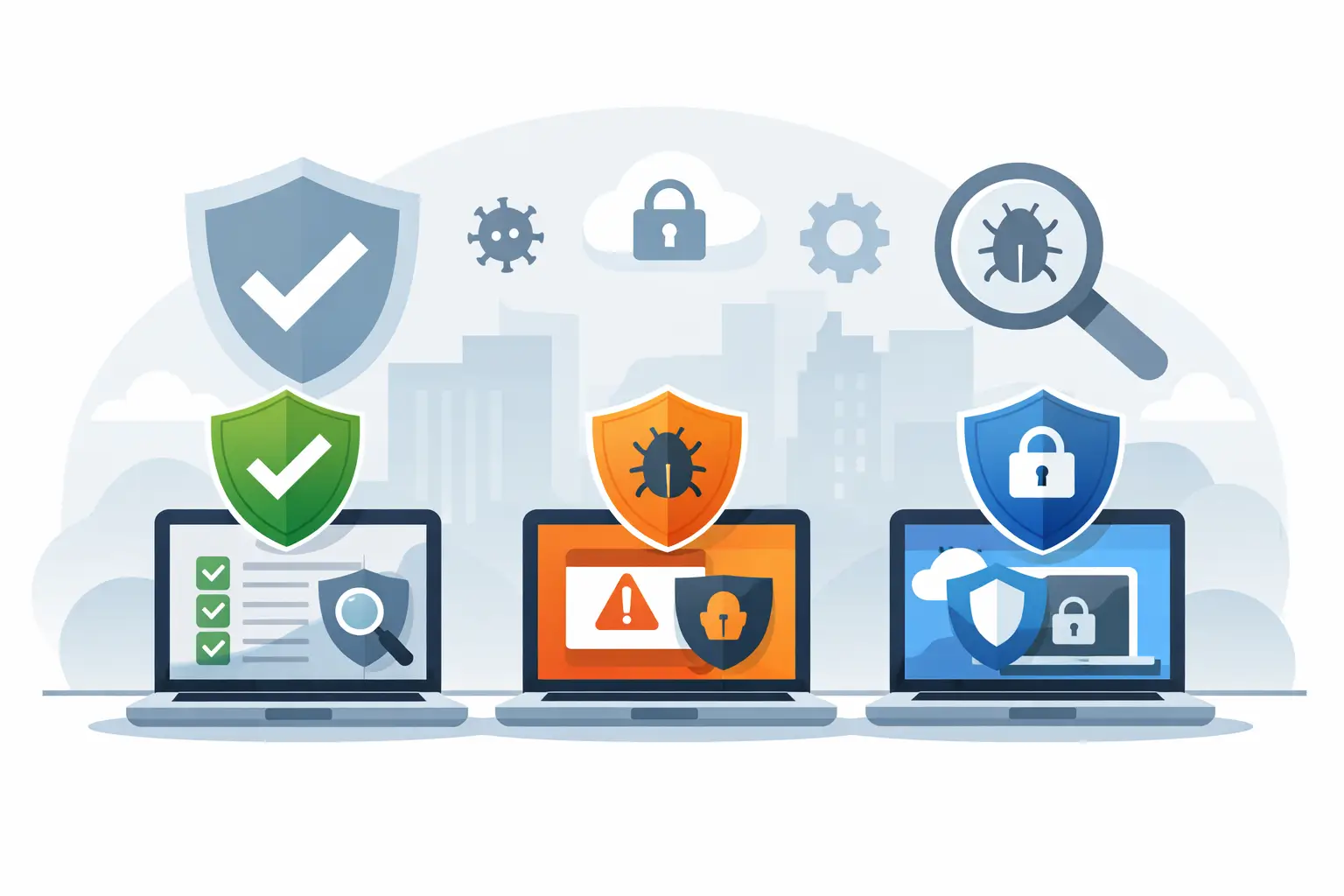
A single employee clicking a convincing fake invoice can turn an ordinary Tuesday into a long week of password resets, locked files, customer calls, and lost work. That is why an antivirus endpoint comparison should look beyond a product’s name or price tag. For a small business, the right choice is the one that protects every work device without creating more work for the people trying to run the business.
Endpoint protection means security software managed across the devices that connect to your company systems. That can include office desktops, employee laptops, mobile devices, and sometimes servers. It is different from buying separate consumer antivirus subscriptions and hoping everyone keeps them updated.
What an Endpoint Antivirus Actually Does
Traditional antivirus looks for known malicious files and suspicious activity. Modern endpoint security usually adds more layers: web filtering, ransomware detection, behavior monitoring, firewall controls, device management, and central reporting. Some platforms also include endpoint detection and response, commonly called EDR.
EDR matters because not every threat arrives as an obvious virus. An attacker may use a stolen password, a fake login page, or legitimate system tools to move through a network. EDR watches for unusual behavior that could signal an active incident, then gives an IT team a way to investigate and isolate the affected device.
That does not mean every small office needs the most expensive enterprise security suite. A five-person firm with cloud-based tools has different needs from a medical practice, construction company, or accounting office storing sensitive records. Good protection should match the risk, the number of devices, and who will be responsible for responding when an alert appears.
Antivirus Endpoint Comparison: What to Compare
The easiest mistake is comparing only the monthly cost per device. Price matters, but it says very little about whether the software will protect the business when it counts. Start with the practical questions below.
Detection Is Only One Part of Protection
Independent testing and detection rates can be useful, but a high score alone does not make a security product the right fit. Look for protection against ransomware, phishing, malicious downloads, fileless attacks, and suspicious behavior. Also ask how the software handles threats it has not seen before.
A product that catches malware but does not help block a dangerous website leaves a common door open. One that floods users with warnings they do not understand can lead to alert fatigue, where people click through messages just to get back to work.
Central Management Saves Time
Business endpoint protection should provide one console where an authorized administrator can see device status, policy settings, updates, and active alerts. If an employee takes a laptop home, the device should still receive protection and report back when it connects to the internet.
Central management also makes offboarding safer. When a staff member leaves, the business should be able to remove company access, review the device’s security status, and confirm that protection was not turned off. For businesses without an in-house IT department, this visibility is especially valuable when a managed IT provider is monitoring the environment.
Response Capability Changes the Outcome
Ask what happens after the software identifies a threat. Can it automatically quarantine a file? Can an administrator isolate a compromised computer from the network while preserving access to the management console? Can the system show which device opened the file, what other activity followed, and whether another device may be affected?
Basic antivirus may be enough for a low-risk home computer used mainly for browsing and email. A business that handles customer information, financial records, payroll, or remote access should strongly consider EDR capabilities and a clear response process. Detection without response is like a smoke alarm with no plan for getting out of the building.
Performance Has to Be Livable
Security software that makes computers crawl will frustrate employees and encourage workarounds. During a trial or rollout, check how the endpoint agent affects startup time, common business applications, video calls, and older hardware.
There is a trade-off here. Lighter software may use fewer system resources but offer fewer controls or less detailed monitoring. More advanced tools can provide stronger visibility but need careful configuration. The best balance depends on the devices in use and the risk the business is managing.
Support Should Be Clear Before There Is an Emergency
Some endpoint vendors provide software only. Others offer guided support, managed detection and response, or access to security specialists. These are very different service levels, even when the product names sound similar.
Before choosing, find out who receives alerts, who decides whether a device should be isolated, and who contacts employees if a threat is confirmed. If the answer is “we will figure it out,” that is a gap worth fixing now.
A Practical Way to Match Protection to Your Business
Rather than starting with a list of brands, start with the work your business needs to protect. Inventory every device that accesses company email, files, cloud applications, banking, or remote desktop tools. Include personally owned devices if employees use them for work.
Then consider these five factors:
- The types of data you store, such as customer records, payment information, health details, or confidential documents.
- Whether employees work remotely, travel, share devices, or use public Wi-Fi.
- How damaging one day of downtime would be for your customers and cash flow.
- Whether someone can monitor alerts and respond quickly after business hours.
- Whether your computers, operating systems, and other software are kept current.
A small office with a few well-maintained Windows computers may need managed antivirus, web protection, and reliable backups. A growing company with remote employees, cloud file sharing, and sensitive client data may need EDR, multi-factor authentication, device policies, and around-the-clock monitoring. The software is part of the answer, not the entire answer.
Do Not Treat Antivirus as Your Only Security Control
Ransomware protection is stronger when endpoint security works alongside backups that are tested, protected user accounts, email filtering, software updates, and employee training. If an employee gives away a password on a fake sign-in page, endpoint software may detect follow-on activity, but multi-factor authentication can help stop the stolen password from being enough on its own.
Backups deserve special attention. A backup is only useful if it can be restored, is separate from the main network, and contains the files the business actually needs. Many businesses learn too late that their backup was incomplete, inaccessible, or quietly failing for months.
The same goes for patching. Security tools can reduce risk, but an unpatched operating system, browser, or remote access tool can still give attackers an opening. A dependable security plan assigns ownership for these routine tasks instead of leaving them to chance.
Questions to Ask Before You Buy
Ask for a demonstration using the devices and operating systems your team actually uses. Confirm whether licenses cover Windows, Mac, mobile devices, and servers if needed. Check how long security logs are retained, whether the tool integrates with your existing systems, and what happens if an employee is offline for several days.
Also ask about false positives. A security product that blocks a legitimate business application can interrupt work, especially in specialized industries using older accounting, design, medical, or manufacturing software. There should be a safe process for reviewing and approving exceptions, not a habit of disabling protection whenever something gets in the way.
Finally, get the full cost in writing. Include setup, licensing, monitoring, incident response, support, and any minimum contract terms. The least expensive option can become costly if it requires staff time you do not have or leaves you alone during a security incident.
When Managed Endpoint Security Makes Sense
Managed endpoint security is often a practical fit for small businesses that do not have a dedicated security team. Instead of assigning alerts to an already-busy office manager or business owner, a qualified IT provider can monitor devices, maintain policies, review suspicious activity, and help respond when something looks wrong.
For businesses in Greensboro and High Point, NerdsToGo Greensboro can help translate product choices into a protection plan that fits the way your team works. That may mean improving an existing setup rather than replacing everything at once.
The right endpoint protection should quietly support the business day, not become another complicated system employees have to manage. Choose a tool with clear visibility, a realistic response plan, and support you can reach when an alert cannot wait until tomorrow.
Need IT help in Greensboro?
Talk to your local NerdsToGo team.