
Business Continuity Planning Guide for SMBs
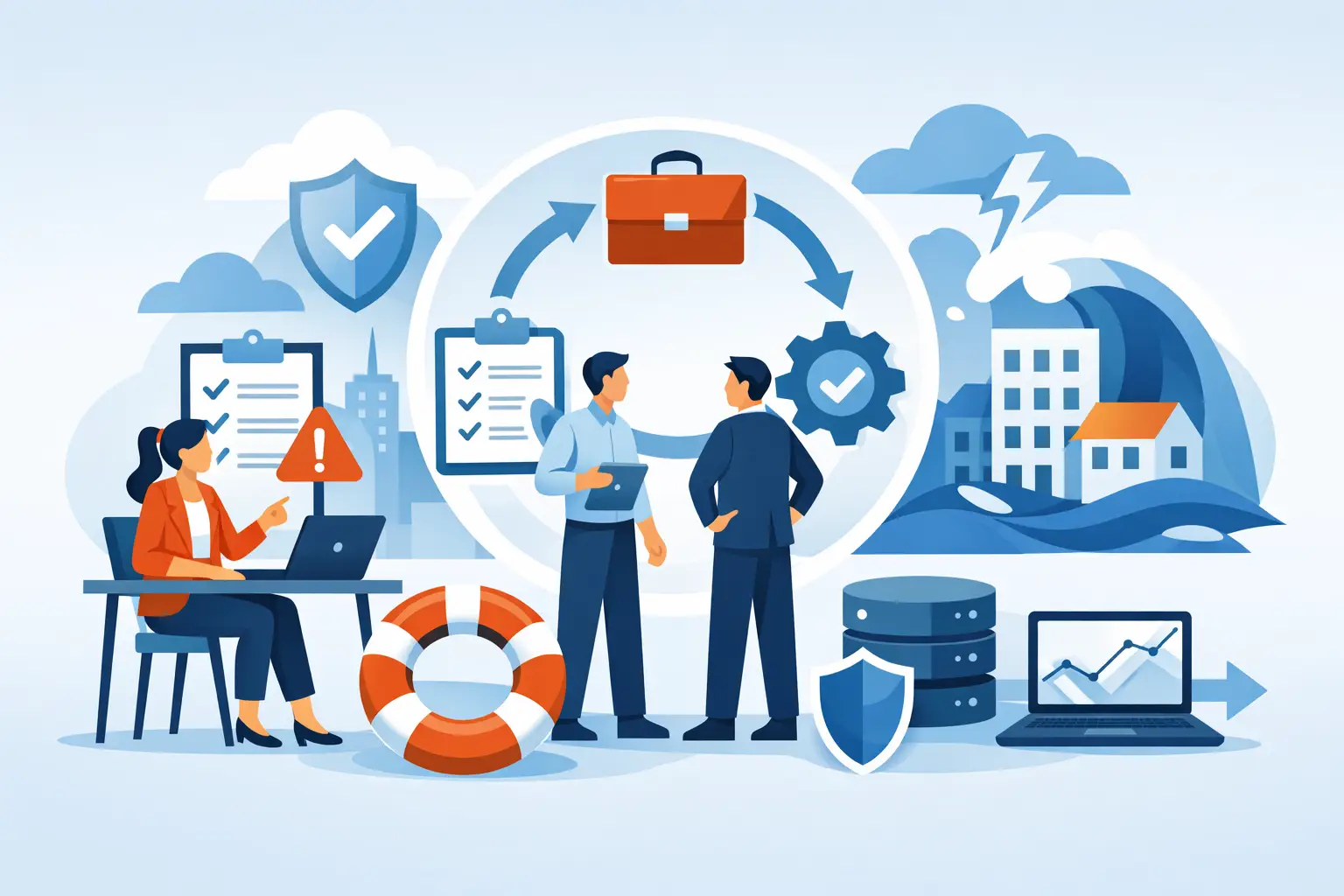
A power outage at 10:30 on a Monday can quickly become more than an inconvenience. Staff cannot access cloud files, customers cannot reach your phones, orders stall, and someone is trying to remember where the latest backup is stored. A business continuity planning guide helps small businesses prepare for that moment before it becomes an expensive scramble.
Business continuity is not about predicting every possible problem. It is about deciding what your company needs to keep running, what can wait, who makes decisions, and how your team gets back to work when technology, facilities, or vendors fail. For a Greensboro or High Point business, that could mean anything from a ransomware incident to storm-related internet loss, a failed server, or a key employee suddenly being unavailable.
What Business Continuity Actually Covers
Business continuity planning focuses on keeping essential operations moving during and after a disruption. Disaster recovery is part of that work, but the two are not identical. Disaster recovery usually deals with restoring data and technology. Business continuity also addresses people, communications, work locations, vendors, customer service, and the order in which your company resumes normal operations.
For example, restoring a file server from backup is disaster recovery. Giving your team a temporary way to access priority documents, rerouting calls, notifying customers, and continuing to process urgent orders is business continuity.
The right plan depends on your business. A medical office may need secure access to patient scheduling and records within hours. A construction company may need its estimating files, jobsite communication, and payroll systems available first. A retail business may prioritize payment processing and inventory access. Trying to treat every system as equally urgent often makes recovery slower and more costly.
Start Your Business Continuity Planning Guide With Priorities
The most useful plan begins with a plain-language conversation about how work gets done. Meet with the people who know the daily operations: ownership, office management, finance, sales, operations, and anyone responsible for customer communication. Identify the services that cannot be down for long without causing real harm.
Ask practical questions. If email is unavailable for a day, what work stops? If your internet connection fails, can employees use a backup connection or work from another location? If your accounting platform is unavailable during payroll week, what is the fallback? If a cyberattack locks up shared files, which documents must be recovered first?
For each critical process, set two targets. The recovery time objective is how quickly it must be operating again. The recovery point objective is how much data loss is acceptable. A business may be able to tolerate restoring yesterday's archived training materials, but it may not be able to lose a full day of invoices, appointments, or customer orders.
Keep these decisions realistic. Restoring everything within minutes is possible only with the right systems, backup design, and budget. For many small businesses, a sensible goal is to restore essential tools first, then bring less critical systems online in stages.
Identify the Risks That Fit Your Operation
A continuity plan should account for likely disruptions as well as high-impact events. Cybersecurity incidents deserve attention because ransomware can affect devices, accounts, shared storage, and cloud services at the same time. But they are not the only concern.
Consider the risks that could interrupt your operations:
- Power loss, severe weather, or a building access issue
- Internet, phone, or cloud-service outages
- Hardware failure, accidental deletion, or corrupted data
- Ransomware, phishing, compromised passwords, or other cyberattacks
- Loss of a key employee, critical vendor, or essential equipment
You do not need a separate 40-page response for every scenario. Instead, organize your plan around common decisions: Who confirms the issue? Who contacts employees and customers? Which systems are shut down or isolated? Where does the team work? Who approves emergency spending or replacement equipment?
A locally stored plan is helpful when your network is down, but paper alone is not enough. Keep an encrypted offline copy and a secure cloud copy that authorized leaders can access from outside the office. Make sure it includes vendor contacts, account recovery details, equipment information, insurance contacts, and escalation procedures. Do not place passwords in an unprotected document. Use a business password manager with secure emergency access instead.
Build Recovery Around People, Data, and Communication
Technology matters, but people carry out the plan. Give each response role a primary person and a backup. A single office manager may be excellent at handling an outage, but the plan should still work if that person is on vacation or unable to respond.
Your incident lead coordinates decisions and records what happened. A technology contact works with your IT provider, internet provider, software vendors, and security resources. Department leads tell staff which work can continue and which tasks should pause. A customer-facing lead delivers clear updates to clients, suppliers, and partners.
Create a few short communication templates before you need them. One may tell employees not to connect to company systems while an issue is being investigated. Another may inform customers that service is temporarily affected and provide the next available update time. Clear, honest messages protect trust better than silence or vague promises.
Your backup strategy also needs more than one layer. Important business data should be backed up automatically, stored in a separate protected location, and tested for recovery. Many companies discover too late that a backup exists but cannot be restored quickly, does not include a needed application, or was connected to the same network affected by ransomware.
Cloud software can improve resilience, but it is not a complete backup plan by itself. Your provider may maintain the service, while your business is still responsible for accidental deletion, account security, retention settings, and access controls. Multi-factor authentication, limited administrator access, patching, and staff phishing awareness all reduce the chance that continuity procedures will be needed in the first place.
Document the First Hour of an Incident
During an outage, people do not need a lengthy policy manual. They need a clear first-hour checklist. Make it specific enough that a manager can follow it under pressure.
For a suspected cyberattack, the first action may be to disconnect affected devices from the network without turning them off, then contact your IT support team. For a building outage, it may be to account for employees, confirm safety, and move critical work to a designated alternate location. For an internet failure, it may be to test the backup connection, verify whether the provider has an outage, and reroute calls if needed.
Include decision points, not just tasks. Who has authority to close the office? When should you notify cyber insurance? When do you tell customers? When is it safe to reconnect systems? A plan that answers these questions prevents well-meaning employees from making risky changes on their own.
Test the Plan Before It Is Urgent
A continuity plan that has never been tested is an assumption, not a solution. Start small. Once or twice a year, walk through a realistic scenario with the people who would respond. Choose one situation, such as a compromised email account or a day-long internet outage, and discuss what each person would do.
Then test the technical pieces. Restore a sample of important files. Confirm that backups are completing. Verify that remote staff can sign in securely from another location. Check that emergency contacts, phone-routing instructions, software licenses, and vendor details remain current.
Testing often reveals ordinary gaps: a former employee still has access, a contact number is outdated, staff do not know who can authorize purchases, or a backup internet option was never configured. Those are affordable problems to fix during a practice session. They are far more disruptive during a real emergency.
When Outside IT Support Makes a Difference
Small businesses rarely need a full internal IT department to plan well, but they do need someone who understands their systems and can respond when time matters. A managed IT partner can help document your environment, monitor systems, maintain backups, improve security controls, and establish recovery procedures that fit your actual operation.
For businesses in Greensboro and High Point, NerdsToGo Greensboro can help turn scattered technology decisions into a practical continuity plan. That may include reviewing backup coverage, securing user accounts, setting up remote-work options, documenting networks, or building a response process your team can understand without technical jargon.
Do not wait for a major outage to find out what your business depends on. Pick one critical process this week, trace the technology and people behind it, and make sure there is a workable backup path. That one conversation can make the next disruption far easier to manage.
Need IT help in Greensboro?
Talk to your local NerdsToGo team.