
Choosing a Business Firewall for Your Team
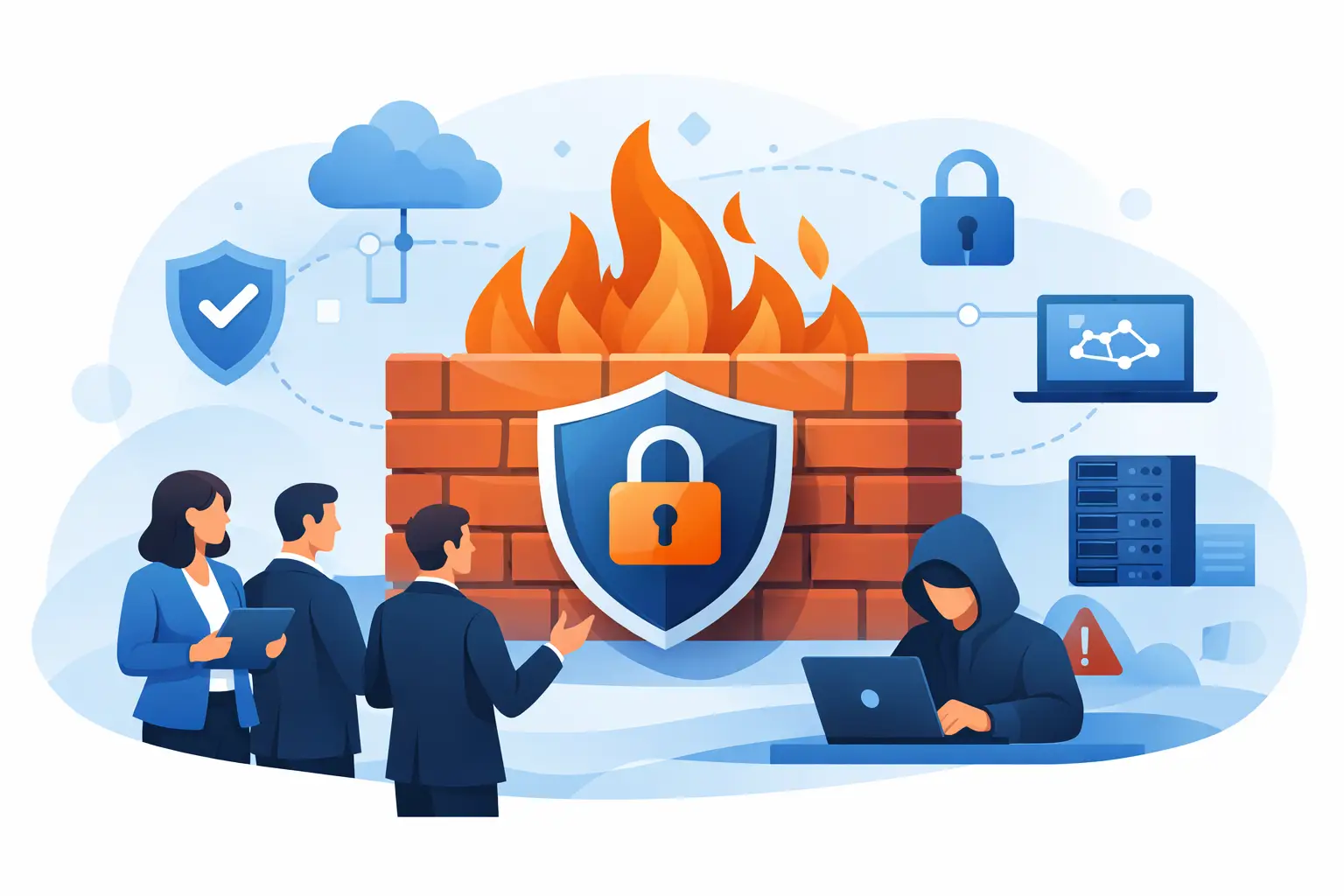
A firewall is often the quietest piece of equipment in an office - right up until it fails to block a threat, slows everyone down, or leaves a remote employee unable to work. Choosing a business firewall is not just a shopping decision. It is a decision about how your team accesses the internet, how customer and company data is protected, and how quickly you can recover when something goes wrong.
For a small or growing business, the right answer is rarely the most expensive box on the shelf. It is the firewall that fits your people, your applications, your risk level, and your ability to manage it over time.
Start With What Your Business Actually Needs
A firewall sits between your network and the internet. It checks traffic coming in and going out, then applies rules to decide what is allowed, blocked, or flagged for review. Basic firewalls can handle straightforward traffic rules. Business-grade firewalls can also inspect traffic more closely, help stop malware, control web access, support remote users, and separate sensitive systems from everyday office devices.
That does not mean every business needs every feature turned on. A five-person office using cloud email, accounting software, and a few laptops has different needs than a medical practice, law firm, manufacturer, or business processing payment information.
Begin with a practical inventory. How many employees work in the office, at home, or on the road? How many computers, phones, printers, cameras, point-of-sale devices, and wireless access points connect to the network? Which applications cannot go down without disrupting operations? If an outage costs you appointments, orders, billable hours, or customer trust, that should shape the level of protection and support you choose.
It also helps to identify the data you handle. Employee records, payment details, customer files, health information, and financial documents deserve more protection than a guest Wi-Fi network. The goal is not to make your network complicated. It is to keep a problem with one device from becoming a problem for the entire business.
Choosing a Business Firewall: Features That Matter
A business firewall should do more than block a short list of websites. Look for capabilities that address the threats and work habits your team faces.
Threat detection and web filtering
Modern firewalls can inspect traffic for known malware, suspicious behavior, risky downloads, and connections to malicious sites. Web filtering can also limit access to categories that create security or productivity concerns. That can be useful, but it needs a sensible policy. Overly aggressive filtering can block legitimate research, vendor portals, or cloud applications your team needs to do its job.
Ask how threat updates are delivered and whether the security services require an active subscription. Many firewall features depend on current threat intelligence. A device with expired security services may still pass traffic, but it may no longer provide the protection you thought you purchased.
Secure remote access
Remote and hybrid work are common even in small organizations. If staff need access to internal files, applications, or systems from outside the office, the firewall should support secure remote access. This is often handled through a virtual private network, or VPN.
Convenience matters here. If secure access is too difficult, employees may find unsafe workarounds, such as emailing sensitive files to personal accounts. Choose a solution that supports the number of remote users you expect and works with multi-factor authentication, which adds a second verification step beyond a password.
Network separation
Not every device should have access to everything else. A quality business firewall can separate your network into sections. For example, employee computers may be separated from guest Wi-Fi, security cameras, smart TVs, and point-of-sale equipment.
This limits the damage if a device is compromised. A guest's infected laptop should not be able to reach your accounting computer. A camera with outdated software should not have a clear path to sensitive business files. Segmentation takes planning, but it is one of the most practical ways to reduce risk without making daily work harder.
Application control and visibility
A firewall should help you see what is using your internet connection. If video calls freeze every afternoon, the problem may be bandwidth, a cloud backup running at the wrong time, or an unknown device consuming traffic. Application visibility makes troubleshooting more factual and less frustrating.
Some systems can prioritize certain types of traffic, such as voice calls, video meetings, or business software. This can help offices with limited internet capacity, although it cannot create bandwidth that is not there. If the connection itself is too slow or unreliable, a firewall is only part of the solution.
Size It for Real Traffic, Not Just User Count
Firewall performance is one of the easiest areas to misunderstand. A product may advertise high speeds, but those numbers often reflect simple traffic passing through with advanced security features turned off. Once you enable threat scanning, web filtering, VPN access, and logging, usable performance can be much lower.
When comparing options, ask for performance figures with the security features you intend to use. Consider your current internet speed, but also leave room for growth. A firewall that barely handles your connection now can become a bottleneck after you add employees, move more services to the cloud, or upgrade your internet plan.
Do not forget connection types. Some businesses need dual internet connections for backup, a separate guest network, site-to-site connections between locations, or enough network ports for local equipment. A lower-priced device can become expensive if it needs to be replaced early because it cannot support a second location or a growing remote team.
Management Is Part of the Purchase
The firewall itself is only one piece of the job. It needs updates, monitoring, configuration backups, security policy reviews, and someone who can respond to alerts. A firewall installed once and ignored for years can create a false sense of security.
You generally have three management options. A business with experienced internal IT staff may manage the firewall directly. Another option is cloud-based management, which can make multi-location administration and reporting easier. The third is managed firewall support, where an IT provider monitors the device, applies updates, reviews alerts, and helps adjust settings as your business changes.
The right choice depends on your internal resources. Self-management can offer control and may reduce monthly costs, but it requires time and technical judgment. Managed support adds a recurring cost, yet it can reduce the chance that critical updates, failed hardware, or warning signs go unnoticed.
Before purchasing, ask clear questions: Who installs it? Who owns the administrator credentials? Who receives alerts after hours? How are configuration backups handled? What happens if the hardware fails? A useful support plan should answer these questions before an emergency, not during one.
Watch for Costs Beyond the Hardware
The purchase price is only the beginning. Business firewalls commonly have annual or multi-year licensing costs for security services, cloud management, support, and replacement coverage. There may also be installation costs, ongoing monitoring fees, or charges for setting up remote access and network segmentation.
That does not make subscriptions a bad deal. Current security updates and manufacturer support are valuable. The issue is clarity. Compare the total cost over three to five years instead of comparing hardware prices alone.
Also consider the cost of downtime. A less expensive firewall that fails without a replacement plan can cost far more than a supported option if your office cannot process payments, access cloud services, or communicate with customers for a day. For many small businesses, a next-business-day replacement arrangement or a preconfigured spare device is worth discussing.
Avoid the Common Shortcuts
Using a home router in a business office is tempting because it is familiar and inexpensive. It may be fine for a very limited setup, but it usually lacks the visibility, user controls, support options, and security management a business needs. The same goes for leaving the internet provider's standard gateway to handle everything without reviewing its capabilities.
Another common mistake is buying a powerful firewall and treating its default settings as a finished security plan. Defaults are a starting point. Your rules should reflect how your business operates, which services you use, and which devices need access to each other.
Finally, do not make the firewall your only cybersecurity measure. Strong passwords, multi-factor authentication, employee awareness, endpoint protection, backups, and tested recovery procedures all matter. A firewall can stop many threats at the network edge, but it cannot prevent every bad click or protect data that was never backed up.
Get a Recommendation You Can Understand
The best firewall decision starts with a short conversation about your network, not a brand name. A local IT partner can assess your current equipment, internet connection, remote-work needs, and security priorities, then explain the options in plain language. NerdsToGo Greensboro can help businesses evaluate firewall needs as part of a broader plan for dependable connectivity, managed IT, and cybersecurity support.
Choose a firewall that your team can live with, your budget can sustain, and someone will actively maintain. When security fits the way your business works, it becomes less of a daily worry and more of the quiet protection it should be.
Need IT help in Greensboro?
Talk to your local NerdsToGo team.