
Co-Managed IT Versus Outsourced IT Compared
A business owner rarely starts thinking about co-managed IT versus outsourced IT because everything is running perfectly. The question usually arrives after a security scare, a server problem, recurring Wi-Fi complaints, or an internal employee who has become the unofficial IT department on top of their regular job. The right support model can reduce those disruptions. The wrong one can leave your people waiting for help while costs and frustration build.
For small and growing businesses in Greensboro, High Point, and nearby communities, the decision is less about picking the fanciest technology plan. It is about deciding who handles day-to-day technology, who owns the bigger strategy, and how quickly help arrives when work comes to a stop.
What outsourced IT means for your business
Outsourced IT, often called fully managed IT, means a technology provider takes primary responsibility for your business's IT environment. That can include help desk support, network monitoring, cybersecurity, backups, cloud tools, device management, vendor coordination, and planning for equipment replacements.
This model is a strong fit for organizations without an in-house IT employee or department. Rather than hiring, training, and managing a full-time technology team, you have a dedicated outside partner responsible for keeping systems working and identifying trouble before it becomes a bigger issue.
A good outsourced IT provider should not simply wait for tickets to arrive. They should monitor key systems, apply security updates, verify backups, document your network, and give clear recommendations when it is time to replace aging computers or improve security practices. Your staff still reports problems, but they do not have to figure out who should fix them.
For example, a growing office with 20 employees may need secure remote access, dependable email, protected customer records, and someone to call when a laptop will not connect to the network. Fully outsourced IT gives that office a single point of contact without the cost of building an internal department from scratch.
How co-managed IT support works
Co-managed IT is a shared approach. Your business keeps an internal IT employee or team, while an outside provider fills specific gaps, adds capacity, or handles agreed-upon responsibilities.
The division of work should be clear from the beginning. Your internal IT person might manage daily user requests, employee onboarding, and company-specific software. The outside team may provide after-hours help desk coverage, cybersecurity monitoring, backup management, network projects, cloud support, or extra hands during a major rollout.
This is not a case of replacing your IT staff. It is designed to make them more effective. A capable internal IT manager can lose valuable time resetting passwords, troubleshooting individual devices, and chasing routine updates. Co-managed support can take those tasks off their plate so they can focus on technology planning, process improvements, and the projects that matter most to the business.
It also gives internal teams access to a wider range of experience. One person may be excellent at supporting staff and managing business applications but have limited time or specialized knowledge for advanced security tools, cloud migrations, or complex network troubleshooting. A co-managed partner can provide that depth without requiring a new full-time hire for every specialty.
Co-managed IT versus outsourced IT: the key differences
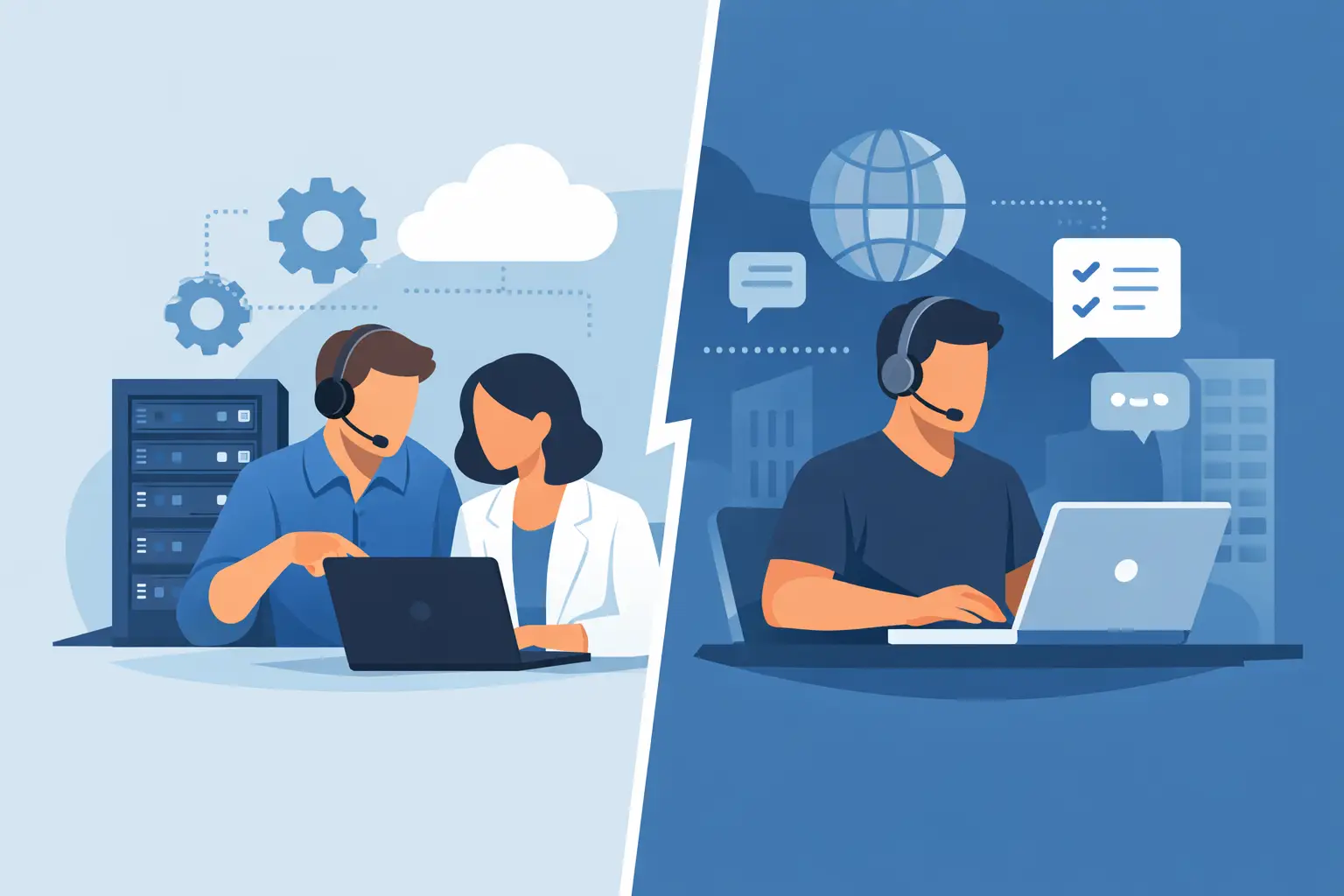
The biggest difference is who leads your technology operations. With outsourced IT, the provider serves as your primary IT department. With co-managed IT, your internal team remains involved and the provider becomes an extension of it.
That difference affects communication, cost, and control. Fully outsourced service typically gives business leaders a simpler structure: one provider handles the technology plan and ongoing support. Co-managed arrangements require more coordination because internal and external teams must work from the same documentation, priorities, and security standards.
Neither option is automatically better. A five-person company with no internal IT employee will usually get more value from fully outsourced IT. A 75-person organization with a full-time IT manager who is overloaded, needs specialized security help, or cannot provide vacation and after-hours coverage may be better served by co-managed IT.
The question is not, “Can our internal person handle IT?” The better question is, “Can our current support structure keep employees productive, systems protected, and the business prepared for what comes next?”
When fully outsourced IT makes sense
Outsourced IT is often practical when technology responsibilities are scattered across several people. If the office manager handles software subscriptions, a manager calls the internet provider, and one tech-savvy employee fixes printers when they have time, there is probably no real IT strategy in place. That arrangement may work for a while, but it becomes risky as the business grows.
Fully managed support also makes sense when downtime has a direct impact on customers or revenue. A dental office, professional services firm, retailer, manufacturer, or nonprofit may not need a full internal IT department, but each still needs secure systems and timely help. A provider can supply ongoing management at a more predictable monthly cost than reacting to every emergency separately.
This approach is particularly useful if your business needs structure. Documented passwords and network information, tested backups, standard employee onboarding, device replacement planning, and cybersecurity policies are not glamorous. They are what keep a small problem from becoming a week-long interruption.
When co-managed IT is the better fit
Co-managed IT becomes attractive when you already have an internal technology resource worth keeping and supporting. Your IT manager understands your team, workflows, software, and business goals. An outside partner should reinforce that knowledge, not create confusion or compete for control.
It can also help when the business is changing quickly. Maybe you are opening another location, moving files to the cloud, hiring rapidly, or working through new compliance requirements. Those projects can exceed the capacity of a small internal team even when routine support is under control.
Coverage is another common reason to choose co-managed services. One-person IT departments face an impossible standard: they are expected to be available for every issue while also completing long-term projects. Outside support provides a safety net for sick days, vacations, urgent incidents, and periods of heavy demand.
For co-managed IT to work well, both teams need to communicate openly. Define escalation procedures, document who has administrative access, agree on security standards, and decide who communicates with employees. Shared responsibility without clear boundaries can create more delays, not fewer.
Compare the real cost, not just the monthly price
A lower monthly fee does not always mean lower technology costs. Consider the cost of employee downtime, lost data, delayed customer service, emergency repair bills, and an internal employee pulled away from their main work. A single phishing incident or failed backup can quickly outweigh the savings from minimal support.
When evaluating providers, ask what is included and what is billed separately. Find out how help desk requests are handled, whether cybersecurity tools are part of the agreement, how backups are monitored, and whether onsite support is available when remote troubleshooting is not enough. You should also understand response expectations for urgent issues versus routine requests.
For co-managed service, be equally specific about the division of labor. If your internal team handles day-to-day requests but the provider manages network security, make sure both sides can see the information needed to solve a problem. Technology support should feel coordinated to your employees, not like being passed from one team to another.
Questions to ask before choosing a support model
Start with your current reality. How many support requests does your team receive each week? Who handles them? Are backups tested, or do you only discover whether they work after data is missing? Do you know which devices and accounts have access to sensitive information?
Then consider where your business is headed over the next year or two. New locations, hybrid work, staff growth, cloud migrations, and stronger cybersecurity requirements can all change the level of support you need. The best arrangement is one that handles today's problems while leaving room for the business to grow.
Ask prospective IT partners how they explain recommendations, not just what tools they sell. You deserve plain-language answers about risks, priorities, costs, and next steps. A dependable provider should be able to explain why a change matters without burying you in technical jargon.
Whether you need a complete IT department or extra support for the team you already have, the goal is the same: fewer interruptions, better protection, and technology that helps people do their jobs. If you are unsure where your business falls, a conversation with a local team such as NerdsToGo Greensboro can turn that uncertainty into a practical support plan.
Need IT help in Greensboro?
Talk to your local NerdsToGo team.