
Computer Repair Versus Replacement: When to Choose
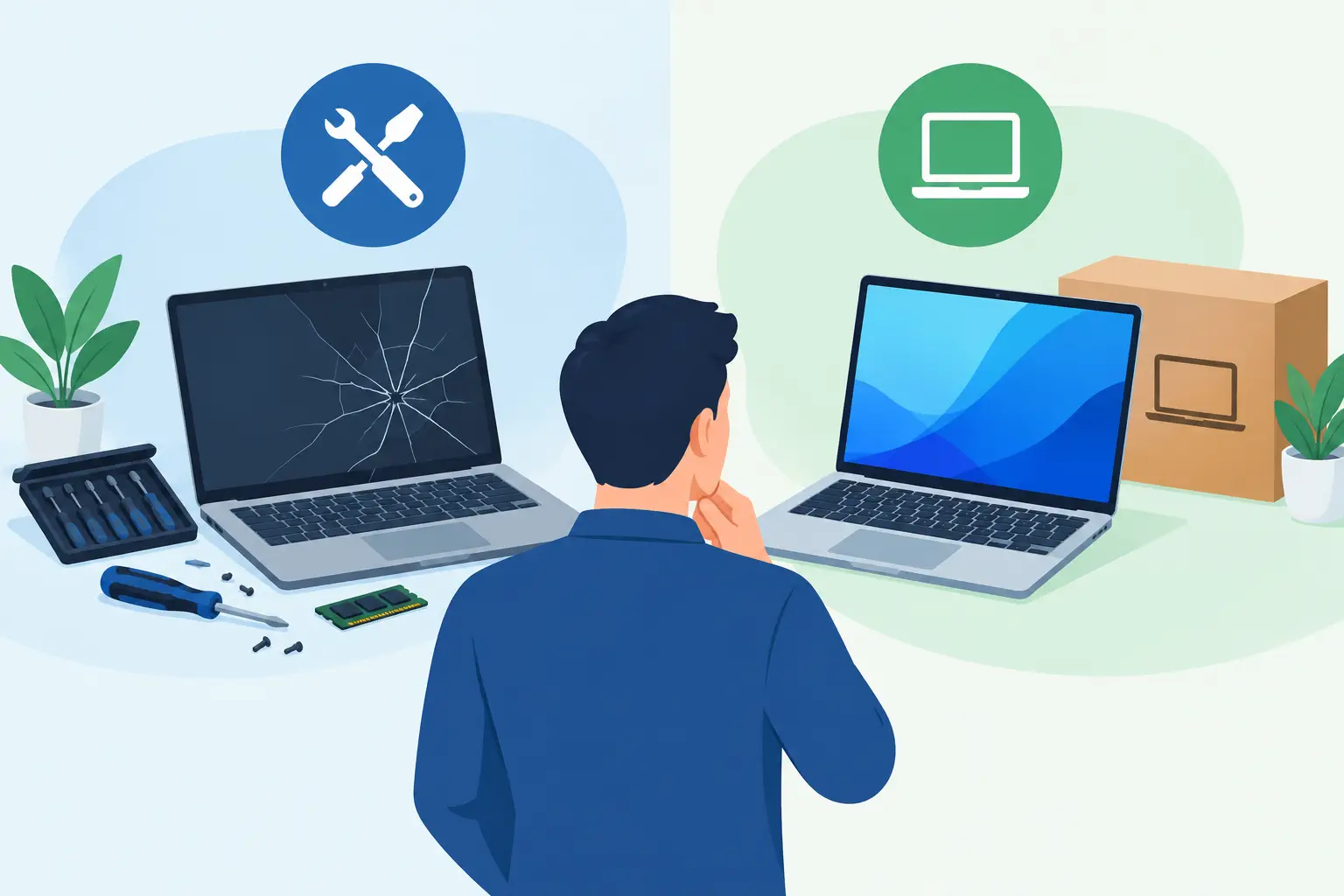
A laptop that takes 10 minutes to open email, a desktop that suddenly will not start, or a cracked screen can make one question feel urgent: should you fix this or buy something new? Computer repair versus replacement is not just about the sticker price. It is about downtime, the condition of the device, the safety of your data, and whether a repair will give you dependable use for months or years to come.
For Greensboro and High Point homeowners, students, remote workers, and small businesses, the right choice usually becomes clearer after a practical diagnosis. A slow computer is not automatically an old computer, and a damaged device is not automatically a lost cause.
Start With the Real Problem, Not the Symptom
Computers can look like they are failing when the issue is actually manageable. A machine may crawl because it has too little available storage, too many startup programs, an aging hard drive, malware, or a software conflict. Those problems can often be corrected without replacing the entire device.
The same goes for a computer that will not charge or power on. The cause could be a worn battery, failed charging port, damaged power supply, or loose internal component. A clear diagnosis matters because replacing a laptop over a battery issue is like replacing a car because the tires are worn out.
Before making a decision, ask three basic questions: What failed? Why did it fail? Is the rest of the computer still in good shape? A technician should explain the answer in plain language and provide an estimate before moving forward.
When Computer Repair Is Usually the Better Choice
Repair makes sense when the device still meets your needs and the issue is limited. If you like the screen size, keyboard, software, and general performance of your computer, a targeted repair may be the most cost-effective way to keep it working.
A replacement battery, charging port, keyboard, screen, fan, power supply, or storage drive can often extend the useful life of a device. Upgrading from a traditional hard drive to a solid-state drive can make an older desktop or laptop feel dramatically faster. Adding memory may also help if the computer struggles with multitasking but has a processor that is still capable of handling your work.
Repair is particularly worthwhile when the device is relatively new or has specialized features you rely on. That can include a business laptop with configured applications, a desktop built for design work, or a computer with ports and accessories that would be costly to replace.
Data is another major factor. If a computer contains family photos, tax records, school files, client documents, or years of business records, getting it assessed before attempting a do-it-yourself fix can protect what matters most. Even when replacement is the smarter long-term move, data recovery or transfer may be the first job.
When Replacement Is the Smarter Investment
There are times when putting more money into an older computer only delays the inevitable. A device near or beyond its expected useful life may have several aging parts, making repeat repairs more likely. If the battery, storage drive, cooling system, and operating system support are all concerns, replacement can offer better value and fewer surprises.
Security support deserves serious attention. If a computer can no longer receive operating system updates or run supported security software, it becomes harder to protect personal information and business data. This is especially important for remote workers and organizations handling customer details, financial records, or confidential documents.
Replacement may also be best when the computer cannot keep up with the way you work. Video meetings, cloud applications, bookkeeping platforms, graphic design tools, and modern browsers all place demands on hardware. If performance remains poor after reasonable maintenance or upgrades, a newer device can save hours of frustration every week.
For a small business, the cost of downtime can outweigh the cost of the computer itself. An unreliable workstation at the front desk, a failing office server, or a laptop that crashes during client work creates lost time for more than one person. In that situation, replacing the device and setting it up correctly may be the practical business decision.
Compare the Total Cost, Not Just the Repair Bill
A repair estimate should be evaluated against the price of a suitable replacement, but that comparison should go beyond two numbers. A new computer may require software installation, data transfer, account setup, printer connection, security configuration, and time spent learning a new system. Those costs can be financial, operational, or simply stressful.
On the other hand, a cheap repair is not always a good value if it only addresses one problem on a device with multiple warning signs. Consider the pattern. Has the computer needed several repairs in the past year? Does it overheat, freeze, make unusual noises, or lose charge quickly? Is it unsupported by current software? Those clues suggest that replacement may offer more reliable value.
A useful rule of thumb is to consider replacement when a major repair approaches half the cost of a comparable new device, particularly if the computer is several years old. It is not a hard rule. A high-quality business computer may be worth repairing at a higher percentage, while an entry-level laptop with multiple issues may not be.
Computer Repair Versus Replacement for Businesses
Businesses should make this decision with consistency, not only when a device fails. Keeping an inventory of computer age, warranty status, performance issues, and software requirements makes it easier to plan upgrades before an emergency disrupts the workday.
Standardizing devices can also reduce support headaches. When employees use similar computers, operating systems, and security settings, troubleshooting is faster and new equipment is easier to configure. That does not mean every device must be replaced on the same day. It means there should be a sensible refresh plan for equipment that supports daily operations.
For companies with limited internal IT resources, professional guidance can help separate a quick repair from a false economy. A managed IT partner can monitor device health, maintain security updates, support backups, and recommend replacement timelines based on actual business needs rather than guesswork.
Do Not Let a Failing Computer Put Your Data at Risk
Whether you repair or replace, protect your files first. If a drive is clicking, the computer will not boot, or important files have disappeared, avoid repeatedly restarting the device or installing random recovery software. Continued use can make recovery harder.
A good backup strategy keeps this decision from becoming a crisis. Personal users may need protected copies of photos, documents, and financial files. Businesses need reliable backups that are tested, secured, and available when ransomware, hardware failure, or accidental deletion strikes.
When it is time for a new computer, data transfer should be handled carefully. The goal is not merely moving folders. It is confirming that critical files, email, applications, saved passwords, printer settings, and security tools are ready to use on the new device.
Get an Answer You Can Act On
The best decision is rarely based on age alone. A five-year-old computer with a replaceable drive and adequate performance may have plenty of life left. A newer computer that is damaged, poorly suited to the job, or missing needed security support may call for a different plan.
At NerdsToGo Greensboro, the goal is to give you a clear recommendation, not push a one-size-fits-all answer. A hands-on assessment can identify whether a repair will restore dependable performance, whether an upgrade makes sense, or whether replacement will save money and downtime in the long run.
If your computer has become a daily source of frustration, do not guess at the next step. Get the problem checked, make sure your data is protected, and choose the option that gives you confidence when you sit down to work, learn, or stay connected.
Need IT help in Greensboro?
Talk to your local NerdsToGo team.