
Employee Phishing Awareness Guide for Small Teams
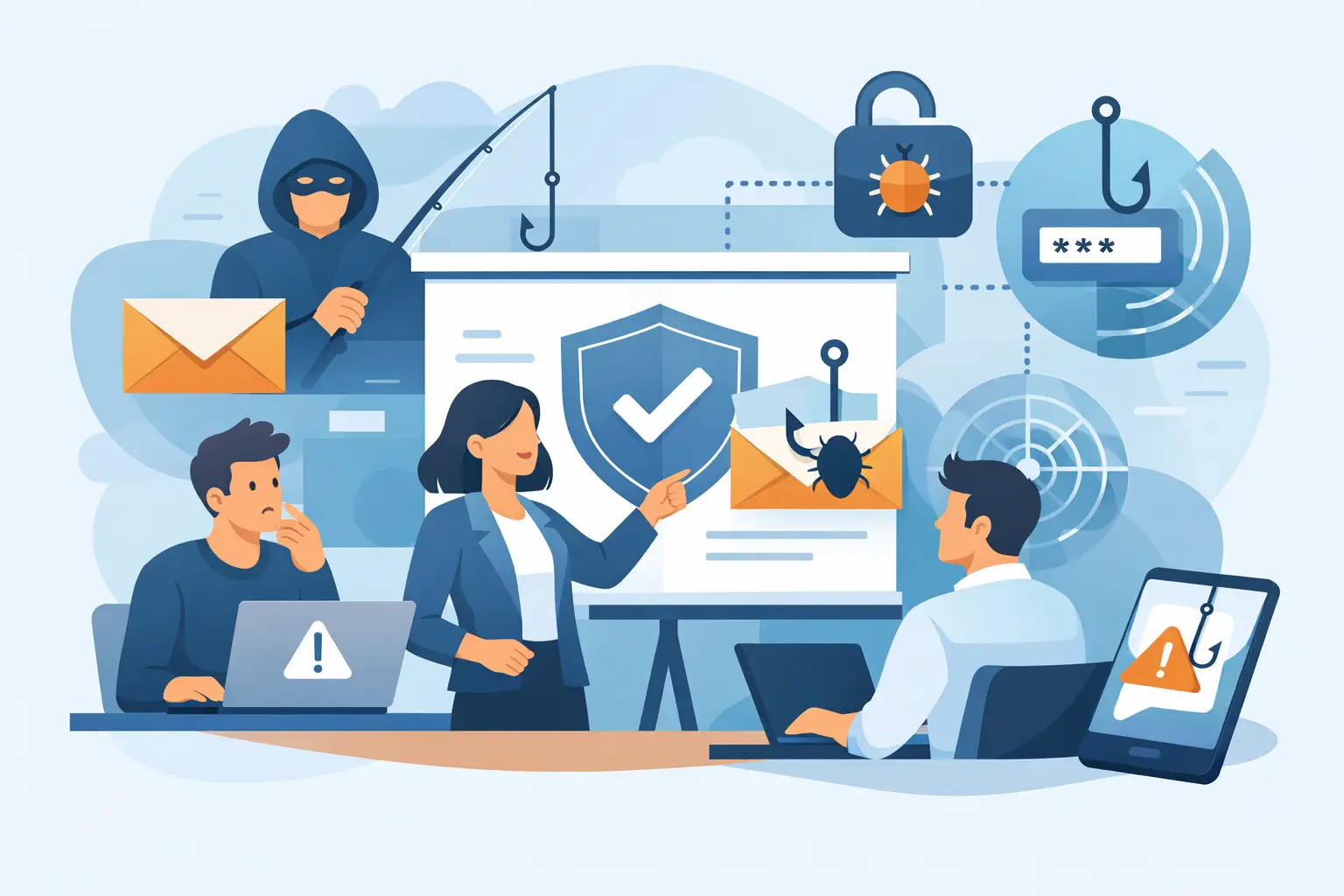
A message that appears to come from your bookkeeper, bank, or Microsoft 365 account can create a costly problem in minutes. It may ask an employee to review an invoice, reset a password, or buy gift cards for an “urgent” request from the owner. A practical employee phishing awareness guide helps your team pause before clicking and gives them a clear plan for what to do next.
For Greensboro and High Point small businesses, phishing is not just a big-company problem. Criminals routinely target local offices because a busy team, shared inbox, or one rushed approval may be all they need. The good news is that awareness does not have to mean turning every employee into a cybersecurity expert. It means building a few reliable habits, pairing them with the right safeguards, and making it easy to ask for help.
Why phishing works on good employees
Phishing is designed to take advantage of normal work behavior. Employees are expected to answer customers quickly, pay vendors, share files, and respond to managers. A convincing scam uses that helpfulness against them.
Most phishing messages create pressure. They claim an account will be locked, a payment is overdue, or a manager needs something handled immediately. Others use familiarity, copying a real vendor name, a coworker’s signature, or the look of a cloud-service login page. The message may contain spelling mistakes, but many do not. Modern scams can be polished, personalized, and difficult to spot at a glance.
That is why “be careful” is not enough training. Employees need permission to slow down when a request involves money, passwords, sensitive information, or an unexpected attachment. A two-minute pause can prevent days of recovery work, lost funds, and business disruption.
Employee phishing awareness guide: habits that prevent trouble
A useful training program focuses on actions people can repeat during a normal workday. Start with a simple rule: do not trust a message just because it looks familiar. Verify the request through a separate method when the stakes are high.
Check the sender, not just the display name
A phishing email may show the name of a manager or trusted company while hiding an unrelated sender address behind it. Employees should look at the full email address, especially when a message requests payment, login information, or a change in banking details.
Watch for subtle differences such as an extra letter, a swapped character, or a domain that is almost correct. A request from `company-support.com` is not necessarily from `company.com`. On a phone, where full addresses can be harder to see, employees should be even more cautious with unexpected links and attachments.
Treat urgency as a reason to verify
A real emergency can happen, but scammers rely on employees feeling they cannot take time to check. A message demanding immediate action should trigger an extra step, not less scrutiny.
If an owner asks for a wire transfer, gift cards, payroll information, or a password reset, verify it through a known phone number, a face-to-face conversation, or a new message sent to a confirmed address. Do not reply directly to the questionable email, text, or chat message. That could simply confirm you are talking to the scammer.
Hover before clicking, and do not log in from a surprise link
On a computer, hovering over a link often reveals the destination. If the address is unfamiliar, misspelled, or unrelated to the stated sender, do not open it. On a mobile device, press and hold the link to inspect it when possible, or go directly to the known website or app instead.
The same approach applies to login alerts. If Microsoft 365, Google Workspace, a bank, or a shipping company says you must sign in immediately, open the service the way you normally do. A legitimate account issue will still be visible after you log in through the real site.
Be skeptical of unexpected attachments and shared files
Invoices, resumes, voicemails, and shipping notices are common phishing lures because they fit everyday business activity. An attachment from an unknown sender is risky, but an attachment from a familiar contact can be risky too if that person’s account has been compromised.
Before opening a file, ask whether you expected it and whether the sender would normally send that type of document. If something feels off, confirm with the person using a separate channel. This is particularly important for files that ask you to enable editing, enable content, or run a program.
Protect passwords and approval steps
No legitimate coworker, bank, or technology provider should ask an employee to send a password by email or text. Passwords should be unique for each business account and stored in an approved password manager when available. Multi-factor authentication adds a valuable second check, but employees should still be cautious.
Attackers may send repeated authentication prompts hoping someone will approve one just to make the notifications stop. Teach staff to deny prompts they did not initiate and report them promptly. An unexpected approval request may mean a password has already been exposed.
Make reporting easy and blame-free
The employee who reports a suspicious message is helping protect the entire business. They should not worry that asking a question will make them look inexperienced or slow down the office. Security works better when people feel comfortable speaking up early.
Give everyone a clear reporting path. This could be a dedicated email address, a “Report Phishing” button in the email system, or a direct contact for the office manager or IT support team. The process should be short: do not click, do not forward the suspicious message to coworkers, report it, and wait for guidance.
It also helps to tell employees what happens after they report something. Someone should review the email, block the sender or domain if needed, check whether other staff received it, and let the team know what to watch for. Closing that loop reinforces the habit. People are more likely to report the next suspicious message when they know their report made a difference.
Set stronger rules for money and sensitive data
Phishing awareness is essential, but certain requests deserve business controls that do not depend on one person making the perfect call. Payment fraud, payroll diversion, and fake vendor banking changes can be expensive because they often look like routine administrative work.
Create a verification process for financial changes. For example, require a phone confirmation using a number already on file before updating vendor bank details or sending a payment to a new destination. For larger payments, use two-person approval. These steps add a little time, but the trade-off is well worth it when a fraudulent wire transfer could seriously affect cash flow.
The same thinking applies to employee records, tax forms, customer data, and password resets. Define who is allowed to release information, who can approve exceptions, and how requests must be verified. A clear process protects employees from being pressured into a decision they were never supposed to make alone.
Train regularly without turning it into a lecture
Annual security training checks a box, but people forget details when months pass without practice. Short, recurring reminders are more useful for most small teams. A five-minute discussion during a staff meeting can cover a recent scam, a new tactic, or one reporting reminder.
Phishing simulations can also help when they are used fairly. The goal is to identify coaching opportunities, not embarrass employees. Start with simple examples, explain the clues afterward, and offer additional help to anyone who needs it. If a team has a high volume of customer emails or invoices, tailor examples to the threats they are most likely to see.
Training should also include text messages, social media messages, phone calls, and collaboration tools. A fake support request in chat can be just as dangerous as a fraudulent email. As more work moves between devices, employees need to recognize that phishing follows them wherever they communicate.
Pair awareness with practical technology safeguards
Employees are an important line of defense, but they should not be the only one. Email filtering, multi-factor authentication, managed updates, secure backups, and limited user permissions reduce the damage when a suspicious message gets through.
A well-configured email service can block many malicious messages before they reach an inbox, though no filter catches everything. Endpoint protection can flag harmful files, while regular updates close known security gaps. Backups are also essential because some phishing attacks lead to ransomware or account takeover. A backup is most helpful when it is protected, tested, and separate from the systems it is meant to restore.
For growing businesses, it may make sense to have a managed IT partner review email security settings, user access, backup procedures, and incident response plans. NerdsToGo Greensboro can help local teams put these basics in place without burying them in technical jargon.
What to do if someone clicks
A quick response matters more than panic. If an employee clicked a suspicious link, opened a questionable attachment, entered credentials, or approved an unexpected login prompt, they should report it immediately. They should not try to quietly fix the issue on their own.
The next steps depend on what happened. IT may need to reset the password, revoke active sessions, scan the device, review email forwarding rules, contact the bank, or notify affected customers. If a payment was sent, time is especially critical. Contact the financial institution right away and preserve the original message and transaction details.
Employees should hear this message often: reporting a mistake quickly is the right move. The real risk grows when someone waits because they are embarrassed or unsure.
A safer workplace is built one ordinary decision at a time. When your team knows how to pause, verify, and report, a suspicious email becomes less of a crisis and more of a problem with a clear next step.
Need IT help in Greensboro?
Talk to your local NerdsToGo team.