
Laptop Screen Repair in Greensboro: Repair or Replace?
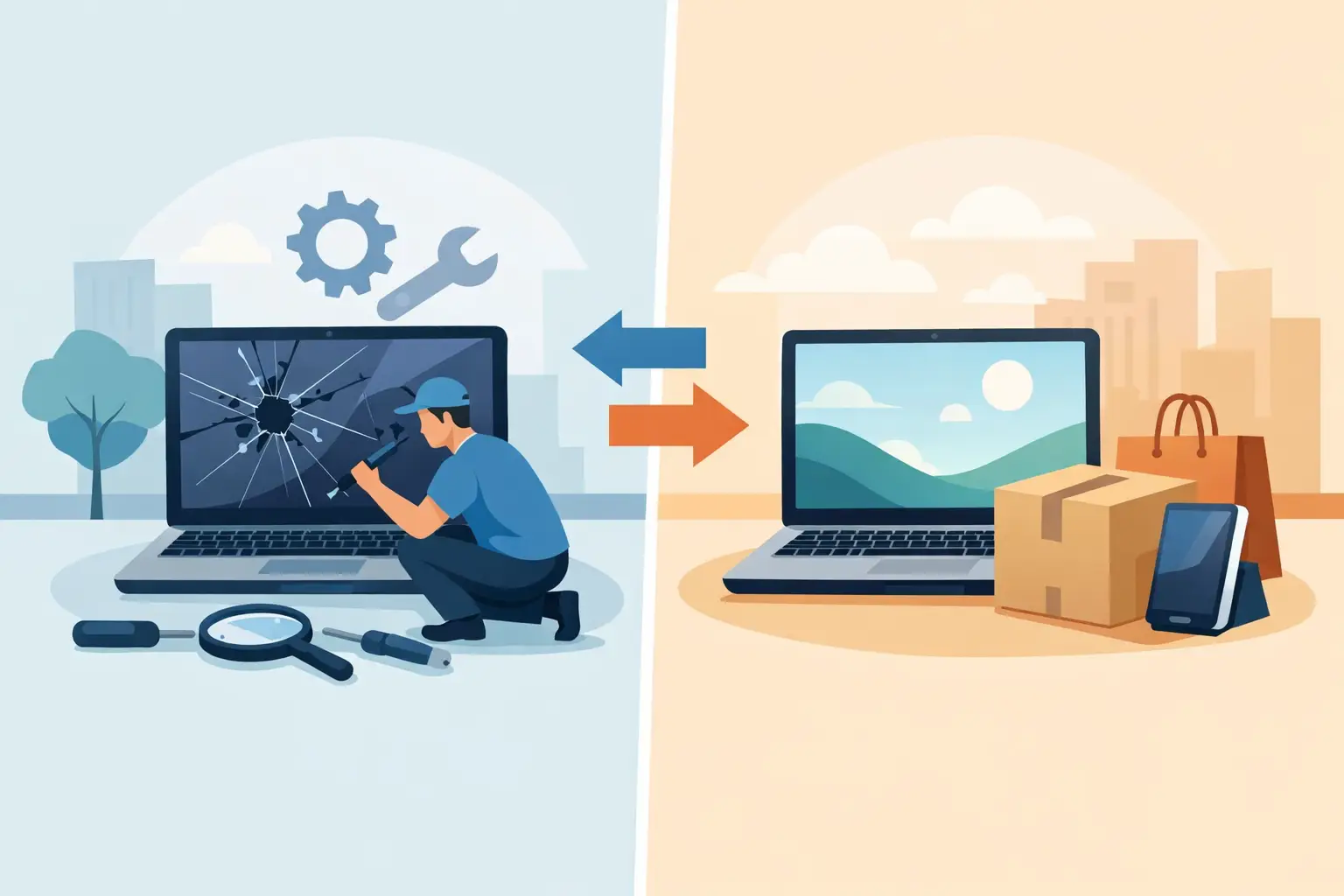
A cracked display can turn a perfectly good laptop into a daily headache. If you need laptop screen repair Greensboro residents can depend on, the first question is usually not “Can this be fixed?” It is “Is fixing it worth it?” The answer depends on what is damaged, how old the laptop is, and whether there may be more going on than the visible crack.
A broken screen does not always mean your files, programs, or the rest of the computer are gone. In many cases, a screen replacement can bring the device back to useful life without the cost and disruption of buying a new laptop. A local technician can help you separate a straightforward display repair from a larger issue before you spend money on the wrong solution.
What a Damaged Laptop Screen Can Look Like
Not every screen problem looks the same, and appearance matters when diagnosing the repair. A spiderweb-style crack, black blotches, colored lines, flickering, or a screen that stays dark can all point to different causes.
Physical damage is often obvious after a drop, a closing accident, or pressure inside a backpack. You may see cracked glass, ink-like dark areas spreading across the display, or vertical and horizontal lines that do not go away after restarting. Those symptoms commonly mean the LCD or LED panel itself needs replacement.
A black screen is less clear-cut. The laptop may be powered on, with indicator lights and fan noise, but show no picture. That could be a failed screen, a loose internal display cable, a graphics issue, or even a software setting. If an external monitor works while the laptop’s built-in display does not, that is useful information, but it is still worth having the device checked before assuming the panel is the only problem.
Screen trouble can also come from the hinge area. If the lid feels unusually stiff, loose, or misaligned, forcing it open and closed may damage the panel or cable further. A technician can check whether the repair needs to address only the display or the hinges and casing as well.
When Laptop Screen Repair in Greensboro Makes Sense
Screen repair is often a smart choice when the laptop is otherwise dependable. A three- or four-year-old computer that starts normally, holds a reasonable charge, and handles your work or school needs may have plenty of life left after a new display is installed.
Repair can be especially practical for a laptop with a solid processor, enough memory, and familiar software already set up. Replacing the screen may cost less than purchasing a comparable new device, then transferring files, reinstalling applications, and adjusting to a new system. For students working through a semester or remote employees who rely on a configured work laptop, avoiding that disruption has real value.
It may make more sense to replace the laptop when several expensive problems arrive at once. For example, a very old device with a cracked screen, failing battery, damaged hinges, and slow performance may not be the best candidate for a major repair. The right choice is not always the least expensive repair today. It is the option that gives you reliable technology for the money you are putting into it.
A knowledgeable technician should explain that trade-off in plain language. You deserve a clear estimate and an honest recommendation, whether that means repairing your current laptop or planning for a replacement.
Factors That Affect Screen Repair Cost
Laptop screens are not one-size-fits-all parts. The final cost can vary based on the laptop’s make and model, display size, screen resolution, touchscreen capability, and whether the part is readily available.
A standard non-touch display is often more straightforward to replace than a high-resolution touchscreen or a thin, bonded display assembly. Some premium models use specialized panels or require extra care during disassembly. Damage to the bezel, lid, hinges, or internal display cable can also add to the work required.
That is why a quick inspection matters. A repair shop can identify the correct screen and look for related damage instead of quoting a number based only on the diagonal size of the display. Transparent pricing starts with understanding what your laptop actually needs.
What to Do Before You Bring in a Broken Laptop
If the screen is cracked but the laptop still turns on, try not to press on the damaged area. Pressure can worsen cracks and spread dark spots across the display. Avoid repeatedly opening and closing the lid if the hinge area is damaged.
If you can see enough of the screen to use the computer, back up important files right away. Save school assignments, family photos, financial documents, and work files to a secure cloud account or an external drive. Screen damage does not automatically harm your data, but an existing backup gives you options if another hardware issue is discovered.
You can also test the laptop with an external monitor or television if you have the right cable or adapter. This may help you access your files and determine whether the computer itself is still running. Do not worry if you are not comfortable changing display settings or troubleshooting ports. It is better to ask for help than risk deleting files or damaging connectors.
Bring the charger with the laptop when possible. If you know the device password, have it available for the technician. That can make it easier to test the display, confirm the repair, and ensure everything is working properly before you take the laptop home.
Why Professional Screen Replacement Is Usually Safer
Online repair kits can make a screen replacement look simple. Some are manageable for experienced users, but the risks are easy to underestimate. Laptop displays are thin, internal cables are delicate, and the wrong replacement panel may not work correctly even if it appears to fit.
A do-it-yourself repair can lead to stripped screws, broken clips, disconnected cameras, damaged hinges, or a new screen that is dim, flickers, or has the wrong resolution. There is also the issue of part quality. A bargain screen is not always a good value if its color, brightness, or reliability falls short.
Professional repair focuses on more than installing a panel. The technician checks the cable connection, hinge condition, lid alignment, webcam area, and overall function of the device. That broader inspection can catch problems that might otherwise cause a repeat failure.
For business laptops, professional service can be even more valuable. A damaged screen may interrupt an employee’s work, but an improper repair can create additional downtime. If the device holds sensitive client information, company files, or access to business systems, it should be handled with care from the moment it leaves the office.
Choosing a Local Repair Partner
When comparing options for laptop screen repair in Greensboro, look for a provider that gives straightforward answers before work begins. You should be able to ask what is damaged, what part is needed, how long the repair may take, and whether the laptop is worth repairing. Technical terms should not be used to make a simple decision sound mysterious.
Local support also matters when you have questions after the repair. A nearby team can provide hands-on help, inspect the device directly, and explain practical next steps if the laptop has other concerns. For families, students, and small businesses across Greensboro and High Point, that personal accountability can be more reassuring than mailing a device away and hoping for the best.
NerdsToGo Greensboro helps customers make these decisions without the jargon. Whether the fix is a replacement display, a cable repair, or a conversation about moving to a newer laptop, the goal is to get you a clear answer and a working plan.
Protecting the New Screen After Repair
Once the screen is repaired, a few habits can help prevent another accident. Carry the laptop in a padded sleeve or a compartment that keeps it away from chargers, keys, and heavy items. Close the lid gently and make sure no pen, earbud, or cable is sitting on the keyboard first.
If children use the laptop, set up a stable place for it instead of balancing it on a couch, bed, or kitchen counter. For commuters and students, avoid overstuffing a backpack. Pressure on the lid can crack a display even when the laptop is not dropped.
A repaired screen should let you get back to work, class, streaming, and everyday tasks without staring through lines or cracks. If your laptop is otherwise in good shape, do not assume one damaged component means the whole device is finished. A quick professional assessment can turn a frustrating accident into a practical repair decision and get your day moving again.
Need IT help in Greensboro?
Talk to your local NerdsToGo team.