
Managed IT Versus Break Fix for Small Business
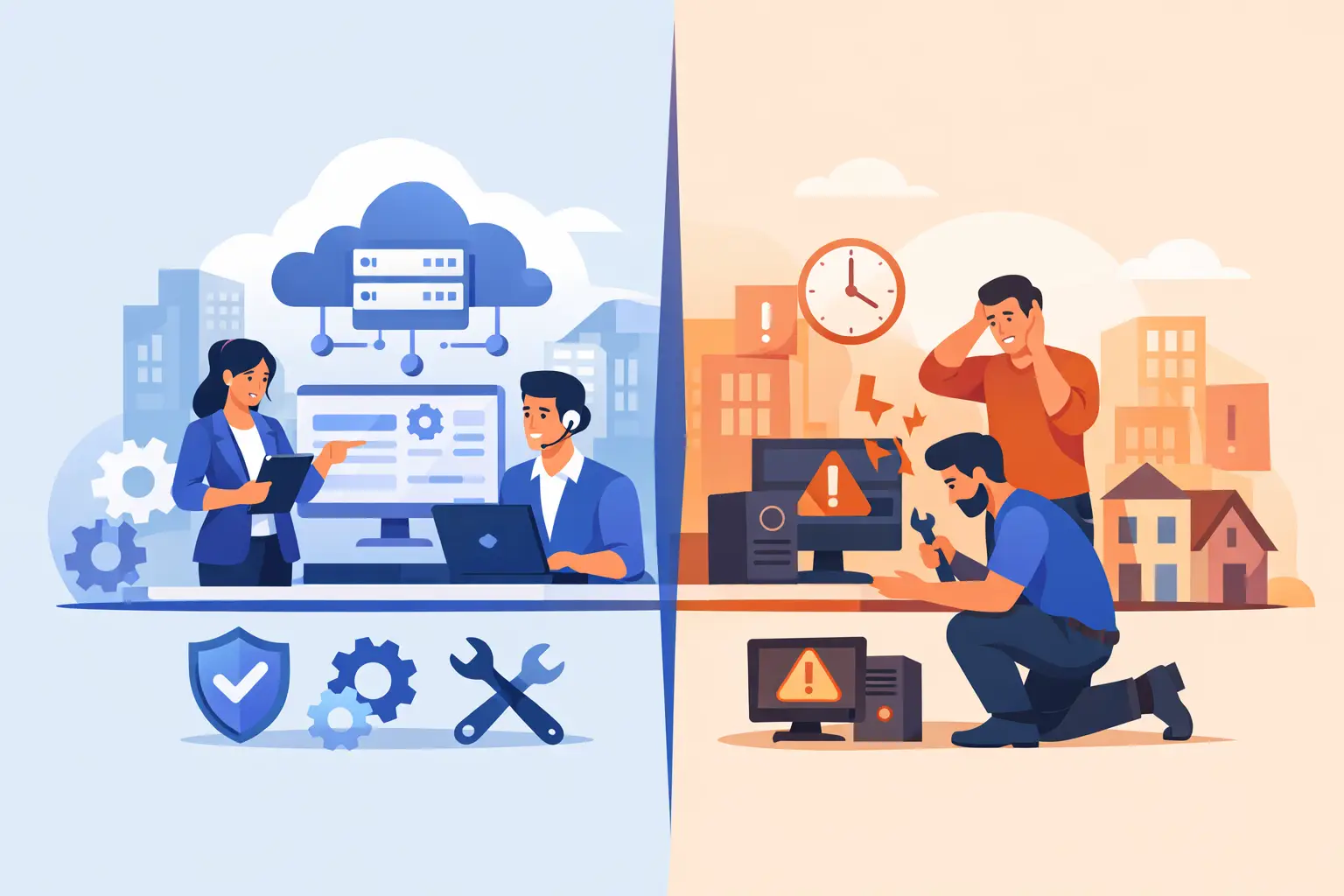
A server failure at 10 a.m., a phishing email that reaches the whole team, or Wi-Fi that drops during customer calls can put a small business in a difficult spot fast. The question of managed IT versus break fix is really about what happens before those problems interrupt your work - and who is responsible for getting things back on track.
Break-fix support can be the right answer for a one-time issue. Managed IT is built for businesses that need ongoing attention to technology, security, and employee support. Neither model is automatically better for every organization, but the differences matter when downtime, customer trust, and predictable costs are on the line.
What Break-Fix IT Support Means
Break-fix IT works much like calling a repair professional when something stops working. Your business contacts an IT provider after a computer crashes, email goes down, a network printer will not connect, or an employee cannot access a critical account. The technician diagnoses the issue, recommends a fix, and bills for the time, parts, or project involved.
For a small office with only a few devices and simple technology needs, this approach can feel practical. There is no monthly agreement, and you pay when you need help. It can also work well for a specific project, such as setting up a new laptop, recovering files from a damaged computer, or troubleshooting a one-time connectivity problem.
The trade-off is that break-fix support is reactive. Problems may remain unnoticed until they affect work. A failing hard drive may not receive attention until important files are inaccessible. Outdated software may remain in place until it creates a compatibility or security issue. If a problem occurs after hours or during a busy period, response time can depend on technician availability.
That does not make break-fix a poor choice. It simply means the business accepts more responsibility for monitoring its own technology and deciding when to seek help.
How Managed IT Changes the Approach
Managed IT support is an ongoing relationship. Instead of waiting for an issue to cause disruption, a managed service provider regularly monitors, maintains, and supports the technology your team relies on. The exact services vary by agreement, but they often include help desk support, device management, updates, cybersecurity tools, data backup oversight, network monitoring, and guidance on technology decisions.
The goal is not to promise that nothing will ever go wrong. Computers wear out, internet providers have outages, and people still click questionable links. The goal is to catch smaller issues early, reduce avoidable interruptions, and provide a clear path for resolving problems when they occur.
For example, a managed IT provider may identify that a workstation is running low on storage, that antivirus protection needs attention, or that a backup has failed before a staff member discovers it during an emergency. They can also help standardize how new employees receive accounts, devices, and access to business systems.
For growing companies, this can feel like having an IT department without hiring a full in-house team. You still make the business decisions. Your IT partner provides the day-to-day support and plain-language advice needed to make those decisions with confidence.
Managed IT Versus Break Fix: The Real Differences
The biggest difference is not just how you pay. It is how your business plans for technology.
With break-fix service, costs are often lower during quiet periods because you only pay when something needs attention. But a quiet period can also mean problems are building in the background. A larger repair bill, extended outage, data recovery need, or urgent equipment replacement can arrive without much warning.
Managed IT usually involves a recurring monthly cost. That makes budgeting easier for many businesses, especially when the agreement clearly defines what is included. The value comes from regular maintenance, faster access to familiar support, and fewer surprises related to routine technology needs. Still, it is worth reviewing the agreement carefully. Not every service is included in every plan, and major projects, hardware purchases, or specialized software work may be separate.
Security is another major dividing line. Break-fix providers can remove malware or help after an account compromise, but managed IT typically puts more attention on prevention. That may include patching, endpoint protection, secure account practices, backup checks, employee awareness guidance, and help responding quickly when suspicious activity appears.
No security program can eliminate risk. However, a business that handles customer information, financial records, health-related data, or remote access should think carefully about whether waiting for a security issue is an acceptable strategy.
When Break-Fix May Be the Better Fit
Break-fix support can make sense when technology is straightforward and the consequences of downtime are limited. A solo professional with one computer, a basic internet connection, and cloud-based files may prefer on-demand help. The same can be true for a new business that is still getting established and needs occasional setup or repair work rather than continuing support.
It may also be a practical choice for a homeowner, student, or remote worker dealing with a specific device issue. A slow laptop, cracked tablet screen, lost files, or home Wi-Fi problem often needs a skilled repair, not a long-term service contract.
The key is to be honest about your tolerance for disruption. If a computer problem means you can work from another device tomorrow, break-fix may be perfectly reasonable. If one failed router means your whole office cannot serve customers, process orders, or take calls, the calculation changes.
Signs Your Business May Need Managed IT
Managed IT becomes more valuable as people, devices, and systems multiply. If employees regularly ask who can reset passwords, fix printing issues, manage new laptops, or investigate strange email messages, technology support is already taking time away from someone’s primary job.
It is also a strong fit when your business depends on reliable access to shared files, cloud applications, office phones, customer systems, or remote work tools. In these environments, a small issue can spread quickly. One misconfigured account or unreliable network device may affect several employees at once.
Consider managed support if you recognize several of these situations:
- Your team loses productive time waiting for computers, Wi-Fi, email, or business software to work.
- Important files are backed up inconsistently, or nobody regularly checks whether backups can be restored.
- You have employee turnover and need a safer process for adding and removing access.
- You are concerned about phishing, ransomware, password security, or protecting customer information.
- The owner, office manager, or most tech-comfortable employee has become the unofficial IT department.
A co-managed arrangement can also be a good middle ground. If your company already has an internal IT employee or technically capable staff member, an outside provider can handle monitoring, help desk overflow, cybersecurity, projects, or specialized expertise. That gives your internal team more room to focus on larger business priorities.
Questions to Ask Before You Choose
Start with the cost of downtime, not just the monthly price. How much work stops when internet access fails? What happens if your customer records are unavailable? How long could you operate without email, phones, or key software? The answers help reveal whether reactive support is enough.
Then ask what each provider actually does. For managed IT, find out how issues are reported, what response expectations look like, which devices and users are covered, and how backup and cybersecurity responsibilities are handled. Ask whether they document your network, accounts, and equipment so support does not begin with guesswork each time.
For break-fix work, ask about hourly rates, minimum charges, availability, and whether the provider can support your specific software and equipment. Transparent answers matter in either model. You should understand what you are paying for without having to decode technical jargon.
Local support can be especially helpful when a problem needs hands-on attention. A remote fix is often efficient, but there are times when someone needs to inspect an office network, replace equipment, recover data from a device, or help staff get set up correctly. Businesses in Greensboro and High Point should look for a provider that can explain options clearly and show up when the situation calls for it.
Choose Support That Matches the Risk
The right choice is less about buying the most services and more about matching support to the role technology plays in your business. Break-fix can be a sensible, cost-conscious option for isolated problems and simple environments. Managed IT is usually the better fit when technology is central to your operations and a preventable outage would be expensive, stressful, or damaging to customer service.
If you are unsure where your business falls, start with a practical conversation about your devices, network, backups, security concerns, and daily frustrations. A good local Nerd will help you sort out what needs immediate attention, what can be planned for later, and what kind of support will let your team get back to work with fewer surprises.
Need IT help in Greensboro?
Talk to your local NerdsToGo team.